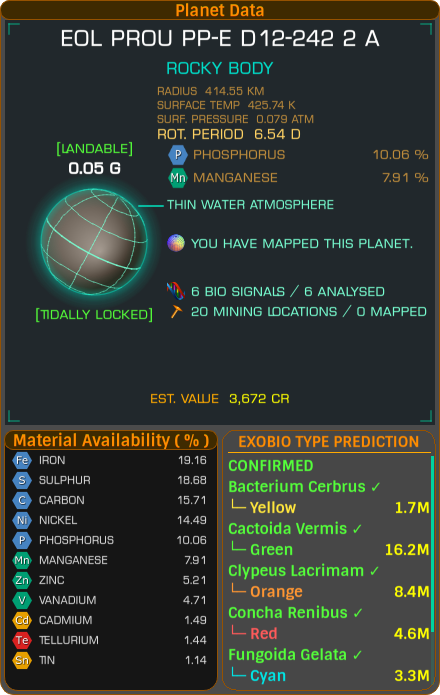
When you scan a gas giant (or a landable body) that has rings, Captain's Log now records the material hotspots in those rings - the concentrated deposits of valuable materials you can mine from the ring itself.
For a body with rings that have hotspots, the Planet Data panel lists each material with a total count of hotspots for that material, sorted per ring - so you get an A Ring Hotspots section and a B Ring Hotspots section, each listing its materials.
For bodies that are landable and have rings and have hotspots, rather than taking up room with the full hotspots widget, Captain's Log instead appends a single typewriter-style line showing each material's hotspot count, per ring.
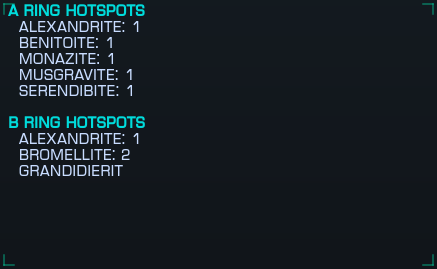
There's also a Ring Hotspots overlay, so you can see the hotspot materials for the body you're currently looking at without pulling up the main window.
You can configure it to be a bit less eager - in the Overlays tab of the Configuration Manager there's an option to only display the Ring Hotspots overlay if the selected planet has rings AND has hotspots, which keeps it out of the way for all the bodies that don't have anything worth showing.
Update your browser to view this website correctly.