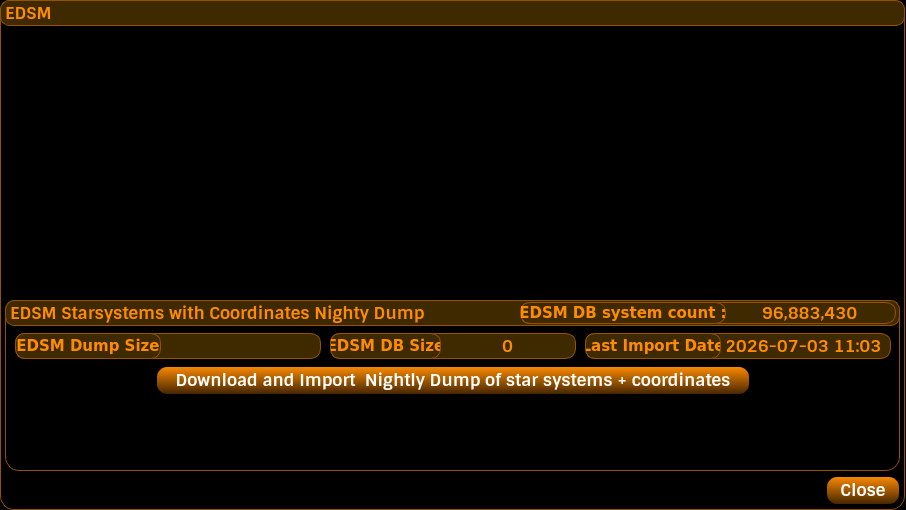
This panel adds EDSM support to Captain's Log.
You can download EDSM's Nightly Dump. This is a very large file containing all the star systems and their coordinates known to EDSM (submitted to EDSM by users of various other 3rd party tools).
From this, Captain's Log will import all these star systems and coordinates to a standalone EDSM.db database. This can then be used to search for star systems/coordinates when setting a Target Destination in Captain's Log.
NOTE: The size of the EDSM Nightly Dump keeps increasing all the time - it's now well over 90 million systems. Make sure that you have sufficient hard disk space to accommodate a download and an import.
To initiate a download and import a Nightly Dump from EDSM, simply click the pushbutton "Download and Import Nightly Dump of star systems + coordinates".
The download will begin. When it's done, Captain's Log will scan the file and count the number of star systems + coordinates within it, then import them into the standalone EDSM.db database, and finally commit the additions to the hard drive.
These operations are performed as background tasks, so you can click the close button of the EDSM Panel once you have initiated the download/import operation and continue to use Captain's Log as normal.
Whilst the download/import operation is running, searching the EDSM database will be disabled, until this operation completes.
Setting a target destination allows you to see how far away you are in LY from your current galactic position to that target system.
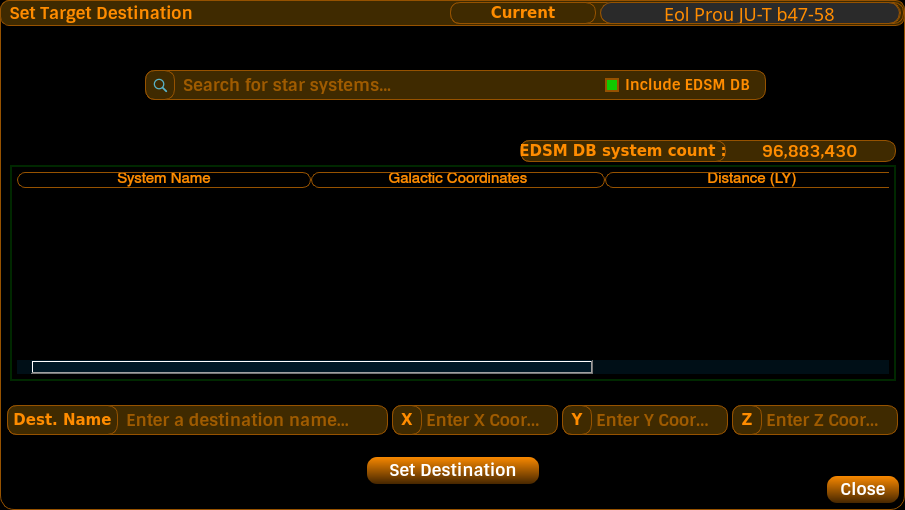
To do this, click the pushbutton on the Info panel or press the keyboard shortcut of ALT-D. The Target Destination panel will be displayed.
You can type a destination name in the field marked "Dest. Name", then input Galactic Coordinates in the X, Y, and Z entry fields. Once done, you can click Set Destination. Captain's Log will then display that name and the distance to there on the main window and the Overlay widget.
Type a partial name of a star system (minimum of 3 characters), or a whole sector name, or a specific full system name, and press RETURN in order to start a search.
Captain's Log will search its own GALAXY.db database for this name or partial name and display the results in the table.
If you have previously downloaded and imported an EDSM Nightly Dump, then the checkbox called Include EDSM DB will be displayed (except whenever an EDSM Nightly Dump download and import operation is taking place in the background). To include searching in the EDSM database, make sure the box is checked before you initiate a search. Captain's Log will let you know which databases it is searching.
The time it takes to search depends on your search term and the number of items matching the term.
To pick a specific system name from the search results, click on that entry in the results table and then click Set Destination.
Captain's Log will then set that destination and will display it on the Info panel on the main window and on the Overlay.
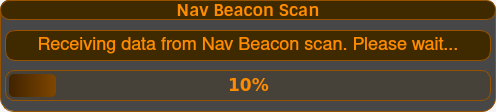
Captain's Log can obtain all the scan data for a known system.
i.e. Bubble systems for which your ship already has the scan data on stars and planets, and for which you can't re-scan the star or planet to get the data into Captain's Log.
This is achieved by fitting a Detailed Surface Scanner, and visiting the system's Nav Beacon. Target the Nav Beacon and wait for the scan to complete.
Captain's Log will then obtain all the star and planet scan information for that system. This may take a while, depending on the amount of stars and planets in that system.
Update your browser to view this website correctly.